February 2003
Inside the video BIOS
A display driver lives in the operating system. The video BIOS lives on the card. That distinction mattered the moment a screen stayed blank at power-on.
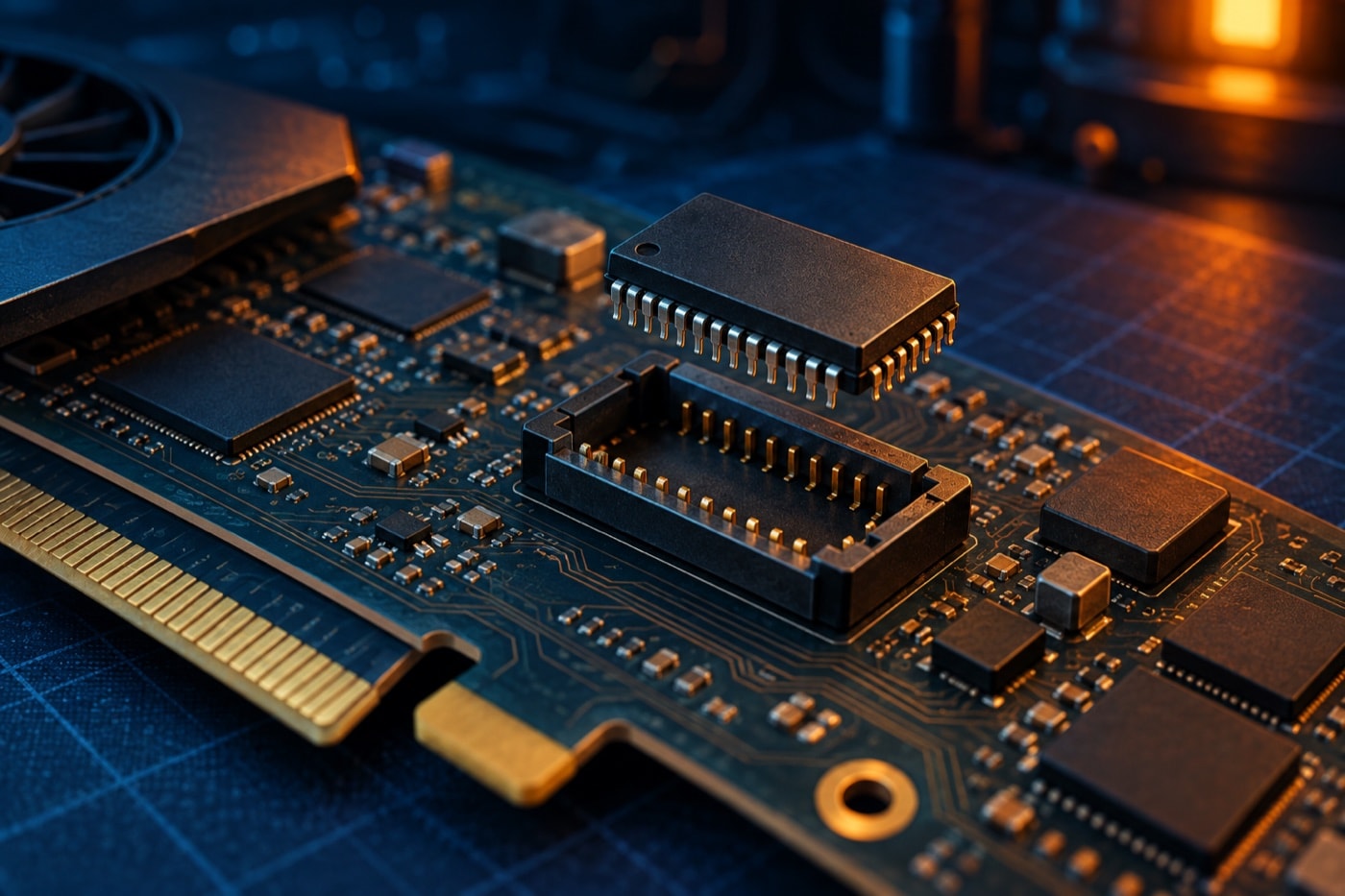
What starts before Windows
The operating system can load a different display driver without changing the program stored on the video card. A video BIOS is firmware. It provides board-specific setup information used as the machine starts. Changing that persistent information was a very different undertaking from choosing another texture setting in a driver panel.
The February 2003 desk put original and modified BIOS files in the same department. Some modifications changed the clocks used by the board. An unsuitable image or an interrupted write could leave the card unable to initialize its display. The original introduction also warned readers that modifying the BIOS could affect the card’s warranty.
What the directory listed
| Section | February 2003 entry |
|---|---|
| NVIDIA GeForce BIOS files | None posted |
| NVIDIA flash applications | None posted |
| Matrox G-series BIOS files | Matrox GXXX Series |
| ATi Radeon BIOS files | Warp11 BIOS Files |
| ATi flash applications | Radeon Flash Apps |
“NVIDIA GeForce BIOS Files” appeared even while its shelf was empty. That matters when reading the menu: a company name in the index didn't promise a file for a particular board. The two ATi lines had different jobs. One identified the material written onto a board, the other the program used to write it.
Card, memory and revision
A chip family appears on many boards. Two Radeon boxes can share the same model name while the board layouts or fitted memory differ. A BIOS belongs to a particular board configuration. Finding a family name in a heading settles only the first question.
The Warp11 entry traces this distinction to the Radeon 9500 Pro clock discussion. The firmware boards separated NVIDIA and ATi questions from display-driver questions. A utility that adjusted a setting under Windows belonged in the utility drawer.